<h1>How To Make A Photography Portfolio</h1> <div class="howto-guide"> <div class="howto-hero"> <div> <p class="howto-summary">A photography portfolio is a carefully selected collection of your best images. It shows off your skills, style, and what you can do as a photographer. This guide helps you choose your strongest work, arrange it effectively, and present it clearly to impress clients, art directors, or anyone interested in your unique vision. Knowing how to make a photography portfolio is essential for anyone serious about sharing their photographic journey or pursuing a career in visual arts.</p> </div> <div class="howto-quick-card"> <h2>Fast Answer</h2> <ul> <li><strong>Select Photos:</strong> <span>Choose your absolute best, most consistent work.</span></li> <li><strong>Define Purpose:</strong> <span>Tailor your portfolio to a specific goal or audience.</span></li> <li><strong>Edit & Refine:</strong> <span>Ensure every image is perfectly edited and ready.</span></li> <li><strong>Choose Platform:</strong> <span>Decide between online website, print book, or digital presentation.</span></li> <li><strong>Seek Feedback:</strong> <span>Get opinions from trusted peers before finalising.</span></li> </ul> </div> </div> <div class="howto-stat-grid"> <div><strong>4-8 weeks</strong> <span>Time needed</span></div> <div><strong>Moderate</strong> <span>Difficulty</span></div> <div><strong>Inconsistent quality</strong> <span>Watch out for</span></div> </div> <div class="howto-prep"> <h2><span class="howto-icon howto-icon-wave" aria-hidden="true"></span>Before You Start</h2> <ul> <li><strong>A clear purpose:</strong> Know who your portfolio is for and what you want it to achieve (e.g., finding clients, applying to art school, showcasing personal projects).</li> <li><strong>A large collection of your photographs:</strong> This guide assumes you already have a body of work to draw from.</li> <li><strong>Photo editing software:</strong> Tools like Adobe Lightroom, Photoshop, or similar are necessary for refining your images.</li> <li><strong>A computer with internet access:</strong> Essential for organising photos and building an online portfolio.</li> <li><strong>Time for thoughtful curation:</strong> Making a strong portfolio isn't a quick task; it requires careful selection and reflection.</li> </ul> <div class="howto-callout howto-callout-warning"><strong>Check first:</strong> Before you even begin selecting photos, be very clear about the goal of your portfolio. A portfolio for wedding clients will look different from one for fine art galleries. Having a defined purpose will guide every decision you make and prevent wasted effort.</div> </div> <div class="howto-steps"> <h2>Step-by-Step Instructions</h2> <div class="howto-step"> <div class="howto-step-body"> <h3>1. Define Your Portfolio's Purpose and Audience</h3> <p>Before you look at a single photograph, decide why you're making this portfolio and for whom. Are you trying to get paid photography work? Are you applying to a university photography course? Or do you simply want to share a specific personal project with the world?</p> <p>Knowing your purpose helps you focus. For example, if you want to shoot portraits, your portfolio should mainly feature your best portraits. If you want to work in documentary, show your strongest photo essays. This initial step is vital for making a photography portfolio that speaks directly to your intended viewers.</p> <div class="howto-callout howto-callout-tip"><strong>Tip:</strong> Write down your portfolio's goal in one clear sentence. Keep this sentence in mind as you select and arrange your images.</div> </div> </div> <div class="howto-step"> <div class="howto-step-body"> <h3>2. Review and Select Your Raw Images</h3> <p>Now, go through your entire collection of photographs. This might seem overwhelming, but it's a critical first pass. Do not edit yet. Simply identify every single image that you think has potential. Look for strong composition, good lighting, clear focus, and emotional impact.</p> <p>Create a separate folder for these potential candidates. Don't be afraid to be brutal; if an image doesn't immediately stand out, set it aside for now. The goal is to narrow down your entire body of work to a smaller, manageable selection of your very best. This initial review helps in making a photography portfolio that truly represents your peak performance.</p> <div class="howto-callout howto-callout-tip"><strong>Tip:</strong> Don't just pick photos you like. Pick photos that show your skill and fit the purpose you defined in step 1. It's okay to have many images in this first selection; you'll narrow it down further.</div> </div> </div> <div class="howto-step"> <div class="howto-step-body"> <h3>3. Curate and Refine Your Core Selection</h3> <p>From your initial selection, it's time to get even more critical. Aim for a total of <strong>15-25 images</strong> for most portfolios, though this can vary. Look for consistency in quality and, if possible, in style or theme. Every image in your portfolio should be excellent and contribute to the overall story or impression you want to make.</p> <p>Eliminate any photos that are just "good enough." Also, remove similar images; if you have five shots of the same subject, pick only the strongest one or two. Think about how the images relate to each other. Do they show a consistent vision? Do they highlight your versatility without being scattered? This careful curation is central to making a photography portfolio that stands out.</p> <div class="howto-callout howto-callout-tip"><strong>Tip:</strong> If you're struggling to choose, try looking at your images in black and white temporarily. This can help you focus on composition and light rather than colour distractions.</div> </div> </div> <div class="howto-step"> <div class="howto-step-body"> <h3>4. Edit Each Photograph to Perfection</h3> <p>Once you have your final selection, it's time for detailed editing. Each image needs to be perfectly processed. Check exposure, white balance, contrast, sharpness, and colour accuracy. Ensure there are no distracting elements, dust spots, or chromatic aberration. Consistency in your editing style across all images is crucial.</p> <p>The goal is to present flawless, professional-grade images. Use your chosen photo editing software to make these adjustments. If you're presenting different styles, ensure the quality of processing remains consistently high for each. Flawless execution is key in making a photography portfolio that earns respect.</p> <div class="howto-callout howto-callout-tip"><strong>Tip:</strong> Calibrate your monitor before editing to ensure your colours and brightness are accurate. What looks good on your screen might look different on someone else's if your monitor isn't calibrated.</div> (Consider adding more steps if needed, up to 10. Let's aim for 7-8 primary steps) </div> </div> <div class="howto-step"> <div class="howto-step-body"> <h3>5. Choose Your Portfolio Format</h3> <p>There are several ways to present your portfolio, each with its own advantages. Decide which format best suits your audience and purpose:</p> <ul> <li><strong>Online Website/Platform:</strong> This is the most common format today. It allows global access and easy updates. You can use dedicated portfolio platforms or build your own website.</li> <li><strong>Printed Portfolio Book:</strong> A physical book offers a tactile experience and can feel more personal. It's great for in-person meetings, especially in fields like fine art or high-end commercial photography.</li> <li><strong>Digital Presentation (PDF/Tablet):</strong> A PDF can be easily emailed, or images can be loaded onto a tablet for a portable, digital presentation without needing internet access.</li> </ul> <p>For most uses, an online portfolio is essential. You might choose to have both an online presence and a physical book for specific situations. This choice heavily impacts how you go about making a photography portfolio visible.</p> <div class="howto-callout howto-callout-tip"><strong>Tip:</strong> If building an online portfolio, choose a clean, simple design that lets your images shine. Avoid overly busy layouts or distracting animations.</div> </div> </div> <div class="howto-step"> <div class="howto-step-body"> <h3>6. Arrange and Sequence Your Images</h3> <p>The order of your images matters. Think about how one image leads to the next. A good sequence can tell a story, build excitement, or show a range of skills. Often, photographers start with a strong image, place their second strongest towards the middle, and finish with another powerful image.</p> <p>Consider grouping images by theme, project, or style if appropriate. Avoid putting too many similar images next to each other. The flow should feel natural and engaging. Take time to experiment with different arrangements to see what feels best and most effective in making a photography portfolio that holds attention.</p> <div class="howto-callout howto-callout-tip"><strong>Tip:</strong> Try printing small versions of your selected photos and laying them out on a table. This allows you to visually rearrange them easily and see the flow.</div> </div> </div> <div class="howto-step"> <div class="howto-step-body"> <h3>7. Add Supporting Information (Captions and Statement)</h3> <p>Images often speak for themselves, but context can enhance appreciation. For each image, consider adding a brief caption that includes the title, location, and year. For fine art or documentary work, you might include a short sentence about the story or concept.</p> <p>Also, write a concise artist statement or "About Me" section. This should explain your photographic approach, interests, and what drives your work. Keep it professional, genuine, and directly relevant to your photography. This extra text helps complete the picture when making a photography portfolio.</p> <div class="howto-callout howto-callout-tip"><strong>Tip:</strong> Keep captions short and informative. Your artist statement should be no more than two short paragraphs. Imagine you have a very brief moment to explain yourself.</div> </div> </div> <div class="howto-step"> <div class="howto-step-body"> <h3>8. Get Feedback and Refine Again</h3> <p>Once you think your portfolio is complete, ask trusted friends, mentors, or fellow photographers for their honest feedback. Be open to criticism; it's an opportunity to improve. They might spot inconsistencies or suggest a better sequence you hadn't considered.</p> <p>Don't be afraid to make changes based on constructive feedback. It's always beneficial to have fresh eyes review your work. This final round of refinement is a crucial step in making a photography portfolio that is truly polished and impactful.</p> <div class="howto-callout howto-callout-tip"><strong>Tip:</strong> Ask specific questions when seeking feedback, such as "Do these images work well together?" or "Does this portfolio clearly show my interest in [specific genre]?"</div> </div> </div> <div class="howto-step"> <div class="howto-step-body"> <h3>9. Publish and Maintain Your Portfolio</h3> <p>With all the steps complete, it's time to publish your online portfolio or print your physical book. Share your portfolio link on your social media, business cards, and email signature. Actively use it to apply for opportunities or showcase your work.</p> <p>Remember that a portfolio is not a static object; it should evolve as your skills and style grow. Regularly review your portfolio, perhaps once or twice a year, and replace older images with newer, stronger work. This ensures your portfolio always represents your current best. Keeping it fresh is key to successfully making a photography portfolio a valuable tool.</p> <div class="howto-callout howto-callout-tip"><strong>Tip:</strong> Consider adding a contact form or clear contact information to your online portfolio. Make it easy for interested parties to reach you.</div> </div> </div> </div> <div class="howto-section"> <h2>Common Problems When You Make A Photography Portfolio</h2> <p>Creating a photography portfolio can be tricky, and many common mistakes can lessen its impact. Being aware of these issues will help you avoid them.</p> <h3>Too Many Images</h3> <p><strong>Problem:</strong> Including too many photos can overwhelm the viewer and dilute the impact of your best work. If you have 100 images, it’s hard for the truly excellent ones to stand out.</p> <p><strong>Fix:</strong> Be ruthless in your selection. Aim for quality over quantity. Most portfolios only need <strong>15-25 images</strong>. If you have different styles or genres, consider creating separate, focused portfolios instead of one giant, mixed one.</p> <h3>Inconsistent Quality or Style</h3> <p><strong>Problem:</strong> Some images might be technically perfect, while others are blurry, poorly lit, or carelessly composed. A mixed bag of quality suggests a lack of attention to detail.</p> <p><strong>Fix:</strong> Every image in your portfolio must be of the highest standard. Remove anything that doesn't meet your best work. If your style varies greatly, try to group similar styles together or create different portfolios for different aesthetics to show intentionality.</p> <h3>No Clear Focus or Purpose</h3> <p><strong>Problem:</strong> A portfolio that showcases landscape, portrait, wedding, and street photography all at once can confuse the viewer about what kind of photographer you are.</p> <p><strong>Fix:</strong> Revisit Step 1: Define Your Portfolio's Purpose. Tailor your selection to your goal. If you want to shoot weddings, show only your best wedding work. If you are a versatile generalist, consider grouping your work into clear categories on your website, but ensure each category is strong.</p> <h3>Poor Editing or Presentation</h3> <p><strong>Problem:</strong> Images might be undersaturated, over-sharpened, have distracting watermarks, or be presented in a difficult-to-navigate website.</p> <p><strong>Fix:</strong> Dedicate ample time to editing. Ensure colour balance and exposure are consistent. Use a clean, professional online platform or carefully printed portfolio. Avoid excessive branding or watermarks that distract from the image itself.</p> <h3>Lack of Fresh Perspective</h3> <p><strong>Problem:</strong> Showing only very old work or images that look exactly like everyone else's can make your portfolio feel dated or unoriginal.</p> <p><strong>Fix:</strong> Regularly update your portfolio with your newest and most exciting work. Include personal projects that reflect your unique vision and passions. Show that you are actively growing and exploring as a photographer.</p> </div> <div class="howto-section"> <h2>Advanced Tips for How To Make A Photography Portfolio</h2> <p>Once you've mastered the basics, consider these advanced strategies to make your photography portfolio even more compelling.</p> <h3>Tell a Story or Develop a Series</h3> <p>Instead of just showing individual strong images, consider presenting a body of work that tells a story or explores a specific theme in depth. A photographic series or essay demonstrates your ability to develop concepts and work on longer-term projects. This shows a higher level of artistic intent and skill.</p> <h3>Personal Branding and Niche Specialisation</h3> <p>Develop a clear personal brand that reflects your unique style and approach. This goes beyond just the images and includes your website design, your "About Me" text, and your overall online presence. Specialising in a specific niche (e.g., environmental portraits, architectural details, abstract street photography) can help you stand out in a crowded market and attract specific clients.</p> <h3>Invest in High-Quality Presentation</h3> <p>For physical portfolios, invest in professional printing and a beautifully crafted portfolio book. The tactile quality can make a significant difference in how your work is perceived. For online portfolios, consider a premium website builder or a custom-designed site that offers superior image display and a seamless user experience. Pay attention to image loading times and mobile responsiveness.</p> <h3>Strategic Networking and Outreach</h3> <p>Your portfolio is a tool for connecting. Actively network with industry professionals, art directors, gallerists, and potential clients. Share your portfolio strategically, tailoring your approach to each contact. Follow up politely after sharing your work. Learn how to talk about your work and what you want to achieve with it.</p> <h3>Continuously Experiment and Evolve</h3> <p>Don't let your portfolio become stagnant. Continually shoot new work, experiment with different techniques, and explore new subjects. Regularly revisit your portfolio and critically assess if it still represents your best work and current artistic direction. Be ready to swap out older images for newer, stronger ones as your skills develop.</p> </div> <div class="howto-section"> <h2>How To Make A Photography Portfolio FAQ</h2> <p>Here are answers to some common questions about creating a photography portfolio.</p> <details class="faq-item"><summary>How many photos should be in a photography portfolio?</summary><div class="faq-answer"><p>Most experts recommend <strong>15 to 25 strong images</strong> for a general portfolio. For specific applications, like an art school submission, it might be fewer (e.g., 10-12). The key is quality over quantity; every single image should be excellent and contribute to your overall message. Never include filler images.</p></div></details> <details class="faq-item"><summary>Should I include all my photography genres in one portfolio?</summary><div class="faq-answer"><p>Generally, it's best to create <strong>focused portfolios</strong> for specific genres or purposes. If you shoot both weddings and fine art landscapes, these appeal to different audiences. You might have one main website with clear sections for each genre, or even separate, distinct portfolios for very different kinds of work. This helps avoid confusing your audience about your specialisation.</p></div></details> <details class="faq-item"><summary>What if I don't have much experience or many photos?</summary><div class="faq-answer"><p>Don't wait until you think you're perfect. Start creating. Focus on <strong>personal projects</strong> that genuinely excite you. These projects allow you to develop a consistent style and build a body of work without client pressure. Even if you only have 5-10 truly strong images, a small, focused portfolio of excellent work is far better than a large one with many weak shots. Show your potential and passion.</p></div></details> <details class="faq-item"><summary>How often should I update my photography portfolio?</summary><div class="faq-answer"><p>You should review and potentially update your portfolio at least <strong>once or twice a year</strong>, or whenever you complete a significant new body of work or personal project. As you grow as a photographer, your older work will eventually be surpassed by your new skills and vision. Keep it fresh to always represent your current best.</p></div></details> <details class="faq-item"><summary>Do I need an online portfolio and a physical one?</summary><div class="faq-answer"><p>An <strong>online portfolio is essential</strong> in today's digital world for visibility and reach. A physical portfolio (like a printed book) is often beneficial for in-person meetings, especially in fine art, commercial, or fashion photography, where the tactile experience can make a strong impression. If your budget and time allow, having both offers the most versatility.</p></div></details> </div> <div class="howto-cheatsheet"> <h2>Quick Reference</h2> <table> <thead> <tr> <th>Situation</th> <th>Use this</th> <th>Why</th> </tr> </thead> <tbody> <tr> <td>Too many similar images</td> <td>Select only the <strong>strongest 1-2</strong> per subject</td> <td>Avoids repetition, keeps viewer engaged, highlights best work</td> </tr> <tr> <td>Portfolio lacks clear direction</td> <td><strong>Define a specific goal</strong> before selection</td> <td>Guides choices, ensures consistency, targets audience effectively</td> </tr> <tr> <td>Images look inconsistent (colour/exposure)</td> <td><strong>Calibrate monitor</strong>, apply consistent editing style</td> <td>Ensures professional, polished look across all images</td> </tr> <tr> <td>Concerned about showing older work</td> <td><strong>Prioritise new, strong images</strong>, remove weakest old ones</td> <td>Keeps portfolio fresh and reflective of current skills</td> </tr> <tr> <td>Unsure about image sequence</td> <td><strong>Print small versions</strong>, rearrange physically</td> <td>Easier to visualise flow and storytelling visually</td> </tr> </tbody> </table> </div> <div class="howto-section"> <h2>Final Checklist for How To Make A Photography Portfolio</h2> <p>Use this checklist to ensure you've covered all the important steps in creating a strong photography portfolio.</p> <ul> <li><strong>Define Purpose:</strong> Is the goal of your portfolio clear and specific?</li> <li><strong>Select Best Work:</strong> Have you chosen only your absolute strongest, most relevant images?</li> <li><strong>Quality Control:</strong> Is every image perfectly edited, sharp, and free of flaws?</li> <li><strong>Consistent Style:</strong> Do your images show a consistent artistic vision or clear thematic groupings?</li> <li><strong>Optimal Quantity:</strong> Have you limited your portfolio to 15-25 impactful images?</li> <li><strong>Appropriate Format:</strong> Have you chosen the best presentation format (online, print, digital) for your audience?</li> <li><strong>Logical Sequence:</strong> Are your images arranged in an engaging and logical order?</li> <li><strong>Supporting Text:</strong> Are captions and an artist statement included and concise?</li> <li><strong>Feedback Received:</strong> Have you gotten constructive criticism from others?</li> <li><strong>Refined & Published:</strong> Have you made final adjustments and published/printed your portfolio?</li> <li><strong>Plan for Updates:</strong> Do you have a plan to regularly review and update your portfolio?</li> </ul> <p>Making a photography portfolio is a journey, not a single destination. It should evolve with you as your vision and skills develop. By following these steps and regularly refining your work, you will create a powerful tool that effectively showcases your photographic talent to the world.</p> </div> </div>
Visual stories
How To Make A Photography Portfolio
A practical step-by-step guide to how to make a photography portfolio, including preparation, instructions, common issues, tips, and next steps.

Continue reading
Visual stories
How To Research A Visual Story
A practical step-by-step guide to how to research a visual story, including preparation, instructions, common issues, tips, and next steps.
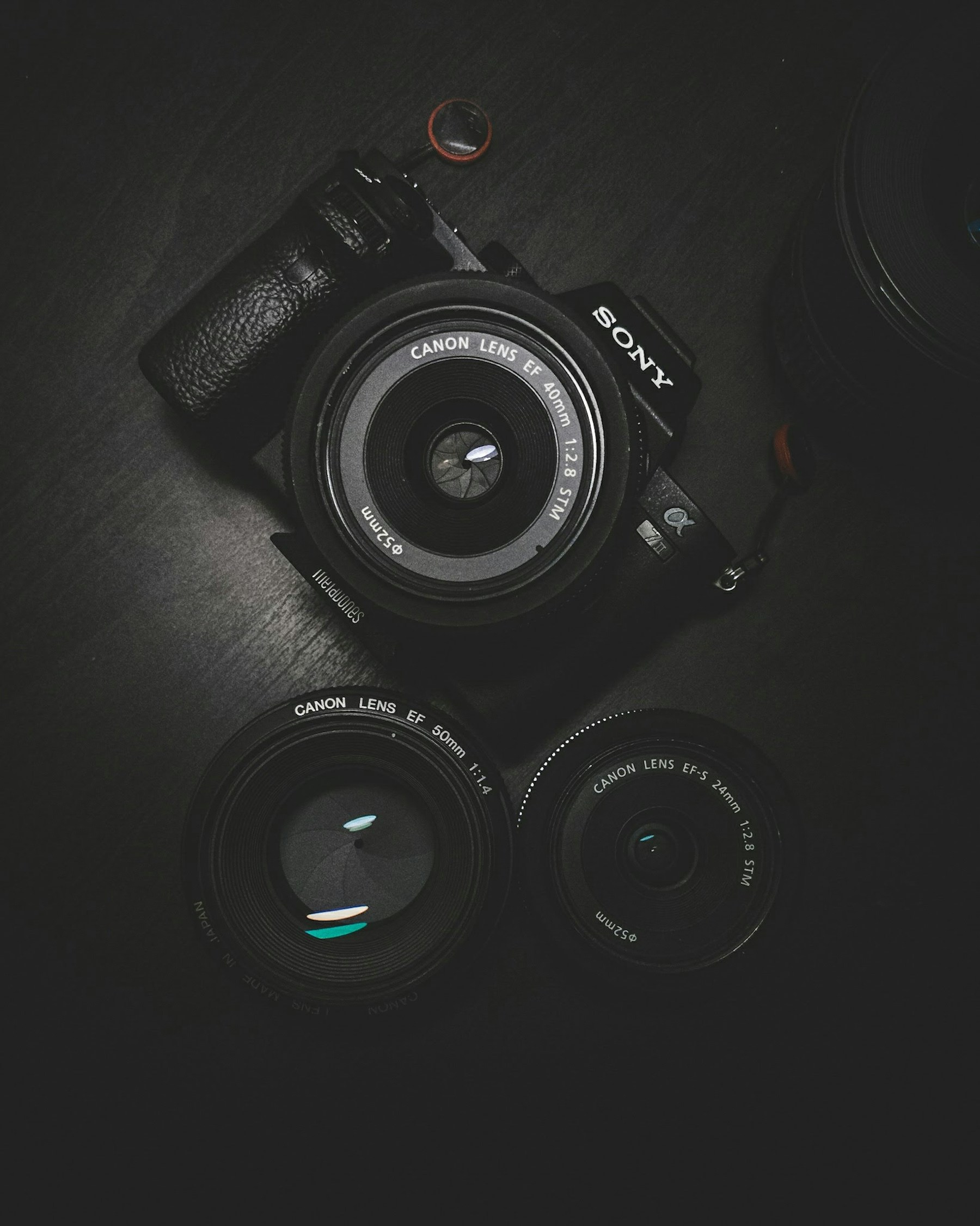
Visual stories
How To Sequence Photographs For A Book
A practical step-by-step guide to how to sequence photographs for a book, including preparation, instructions, common issues, tips, and next steps.
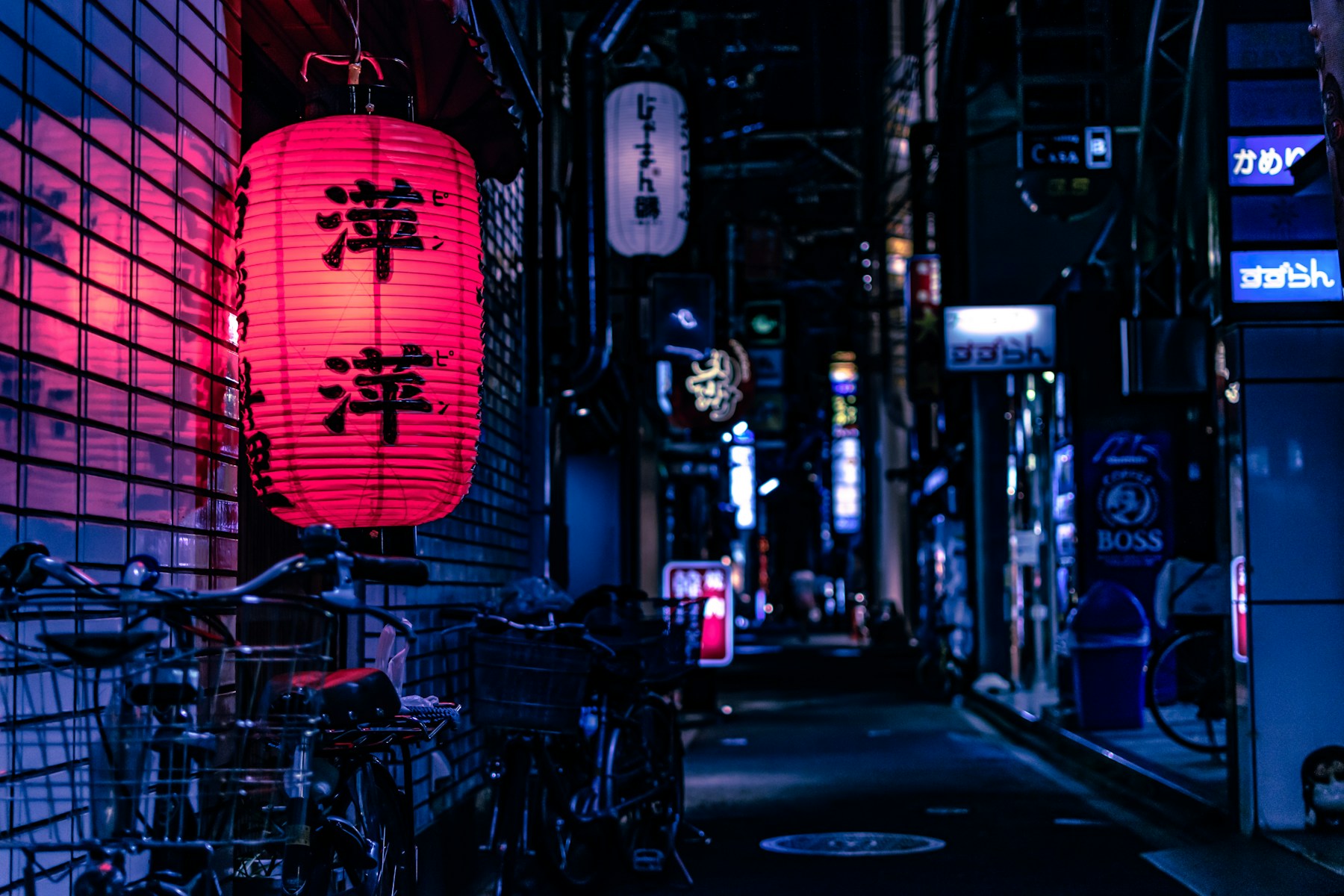
Visual stories
How To Make A Photo Zine
A practical step-by-step guide to how to make a photo zine, including preparation, instructions, common issues, tips, and next steps.